Quick answer: A USB preload project is successful when the customer’s approved files, folder structure, drive format, sample test, and shipment verification are controlled as carefully as the USB hardware. Name a content owner, freeze a version, prepare a file manifest, test a completed sample on representative devices, and inspect the finished packed product before release.
Introduction
A branded USB drive can deliver more than storage. It can hand a prospect a product catalog, give trainees an offline learning library, include a software installer, transfer a media project, or support an event kit. In these applications, the content is part of the product. The phrase usb flash drive preload service therefore describes a workflow rather than a simple copy operation.
Business buyers often begin with a useful but incomplete instruction: “Please load these files onto the drives.” To turn that request into a reliable delivery, the buyer and supplier need to define exactly which files are final, who approves them, what recipient systems will use the drive, whether folders or permissions are required, how a sample will be checked, and how the finished shipment will be verified. This guide covers usb flash drive preload service, preloaded usb drives bulk, usb drive data preload, custom usb with files, usb flash drive duplication service, and branded usb drives with data.
1. Treat Content as a Controlled Product Input
Nominate one customer contact as the final content owner. That person should provide the approved files through an agreed transfer process and confirm when the version is frozen. This prevents the supplier from having to interpret multiple email attachments or unclear folder names.
Create a simple file manifest containing the project name, version date, folder structure, filenames, total data size, and owner approval. If a document is replaced after sample approval, issue a new revision rather than silently updating an old folder. A manifest does not need to reveal sensitive content; it is a practical reference that lets the buyer and inspection team know what “correct” looks like.
Decide what the recipient should experience
Ask whether the drive is a read-only handout, a storage gift with free space, an installer medium, or a transfer device that will be returned. The answer affects capacity, folder structure, visible file names, packaging, and instructions. A recipient-facing drive should be easy to understand when opened on the target computer. Avoid vague top-level folders such as “new final” or “files 2.” Clear names help the customer without creating an unsupported marketing claim.
2. Confirm Capacity, Format, and Target Devices
The required drive capacity should come from the approved files plus the intended recipient experience. A catalog package may need room only for its delivered content; a corporate gift may need meaningful free storage after the files are received. Confirm with the project owner before selecting the capacity tier.
The file-system and interface choices must also match the devices expected to read the content. Document the relevant computer, tablet, or equipment types, operating systems, and any managed-device restrictions. USB-C, USB-A, or dual-interface hardware should be chosen around the actual recipient mix. USB-IF’s public resources are useful context on the connector family, but a physical completed sample should be tested on representative project devices.
| Approval item | Evidence to retain |
|---|---|
| Final files | Dated customer approval and source package |
| Folder layout | File manifest or approved screen reference |
| Drive configuration | Product specification and capacity |
| Format expectation | Customer or IT confirmation |
| Recipient test | Completed sample on representative host |
| Pack-out | Approved product, label, and insert reference |
3. Build the Sample Before the Bulk Release
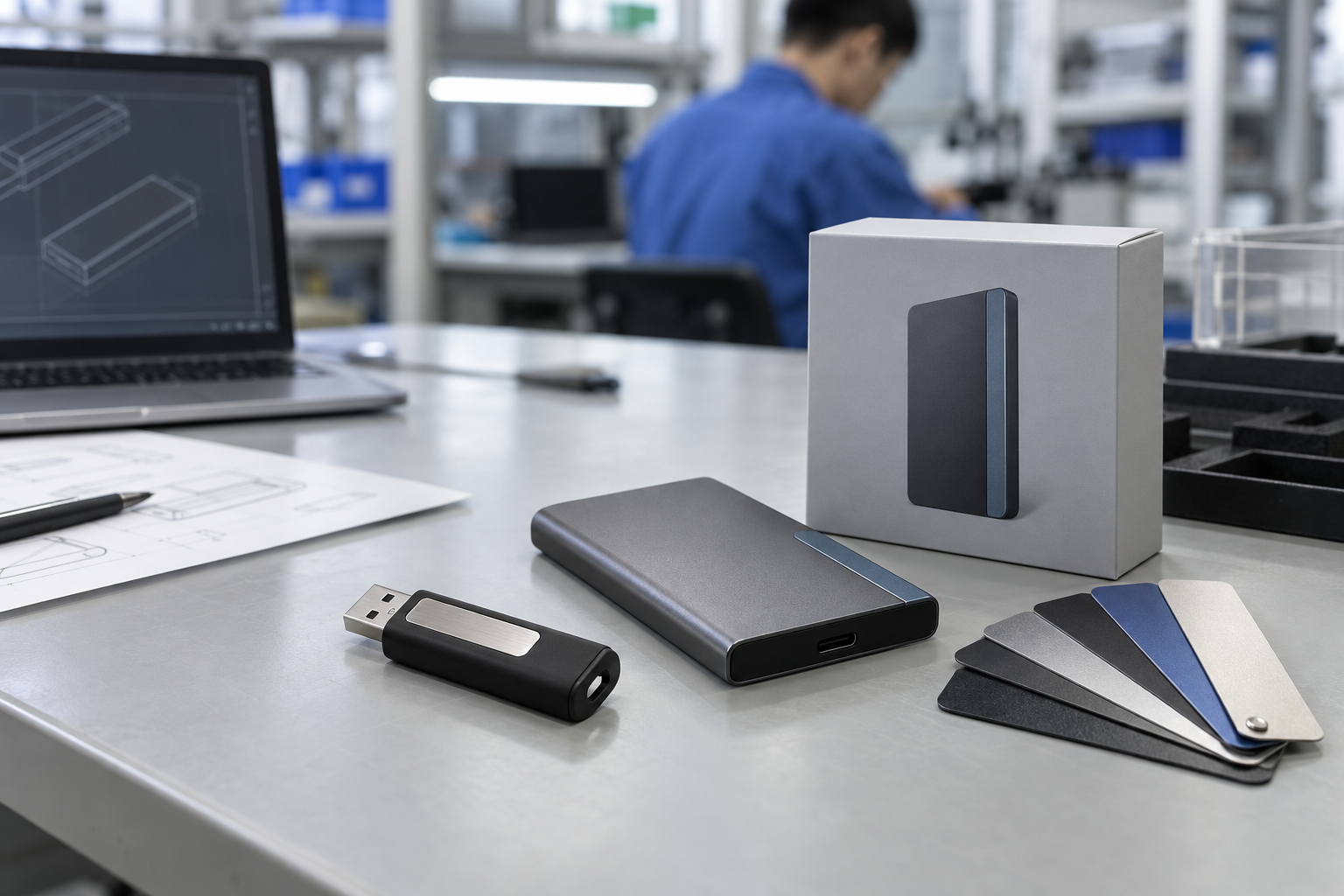
A completed sample should include the actual drive, approved branding, intended pack, and final or representative approved files. The buyer should inspect two different things: the physical product and the content delivery. Check the logo and packaging in ordinary light, then connect the drive to the intended host systems. Open the expected folders and a reasonable selection of important files. If the project uses an installer or media asset, let the responsible customer team verify the actual use case.
This sample step is where custom usb with files projects become measurable. It reveals whether an insert gives the right guidance, whether a folder is confusing, whether a recipient needs a dual-interface connector, or whether the requested capacity leaves enough space. Keep the signed-off sample reference with the order documentation.
Mid-article CTA — Need a controlled preload brief? Send StorFlux your recipient devices, file size, approved content owner, required folder structure, branding, packaging, quantity, and delivery date. Send Your Requirements.
4. Factory Testing and Shipment Inspection
“Data loaded” is not an adequate shipment standard. Agree the inspection scope before production. Depending on the program, factory testing can cover external appearance, connector function, storage recognition, content-structure checks, selected-file opening, logo, label, individual packaging, inserts, carton marks, and quantity.
For preloaded usb drives bulk orders, inspection should compare selected finished units against the approved manifest and sample. The correct check is project-specific: it may verify top-level folders, expected filenames, a defined version identifier, or an agreed file count. The aim is to prove the supplied deliverable is the approved one, while respecting any customer data-handling limits.
Pack-out is part of the result. A drive that contains the correct files but has the wrong label, old insert, or missing box does not meet the B2B brief. StorFlux’s Quality process and OEM & ODM page explain how approved samples, factory testing, and shipment inspection can be tied to a project release plan.
5. Data Handling and Handover Boundaries
The buyer should decide which party prepares the files, how they are transferred, how long they remain available, and what confirmation is needed after loading. Avoid sending customer data through informal channels when a managed transfer method is required. For sensitive projects, ask the customer’s own IT, legal, or information-security team to define the approved procedure. A storage supplier should follow the project instructions; it should not invent a data-retention policy for the buyer.
At handover, provide a short record that identifies the approved content version, drive configuration, quantity, and inspection reference. This makes it easier for the receiving team to match the physical shipment with the released material and helps with a future reorder.
Common Mistakes
Using files from multiple unapproved sources
Choose a single content owner and a dated master package. Otherwise the supplier cannot reliably determine the final version.
Reviewing a blank hardware sample only
The finished sample must include the content and intended packaging. Both the drive and its delivered information need approval.
Ignoring target-device testing
A drive can mount successfully while the file system, connector choice, or customer instructions are unsuitable for the actual recipient environment. Test representative devices.
Leaving preload verification out of shipment inspection
Add an agreed content check to the release process. It turns the preload from an informal promise into an inspectable requirement.
FAQ
What should I provide for a USB flash drive preload service?
Provide a final approved file package, nominated content owner, folder structure, total size, target devices, file-system expectation, capacity, branding, packaging, quantity, delivery date, and the desired sample and inspection process.
Can branded USB drives be supplied with data already loaded?
Yes. The buyer should define the final content, approval version, format, test devices, and verification method. A completed sample is the best place to confirm the recipient experience before a bulk release.
How do I verify data on a bulk USB order?
Use an agreed file manifest and sample-check method. At shipment inspection, review selected completed units for the defined folder structure, version evidence, and file access in addition to the physical pack-out.
Does preload change the USB capacity I should buy?
Yes. Capacity should be selected from the approved files plus the desired remaining user space. Confirm whether the recipient needs a handout medium only or a reusable storage item.
Conclusion
An effective usb drive data preload program combines disciplined content approval with practical product sourcing. Start with a content owner and manifest, choose hardware around target devices and files, approve a completed sample, and write preload verification into factory testing and shipment inspection. That process makes branded USB drives with data useful to recipients and accountable to the buyer.
Final CTA — Deliver your files on a branded drive with a clear release standard. Share your project brief with StorFlux. Get a Quote or explore USB storage options.
Sources and related StorFlux pages
Discuss your storage requirement
Send StorFlux the intended use, capacity, platform or device list, branding direction, quantity, and delivery target. We will help you convert it into a sample-ready B2B brief.
Get a Quote