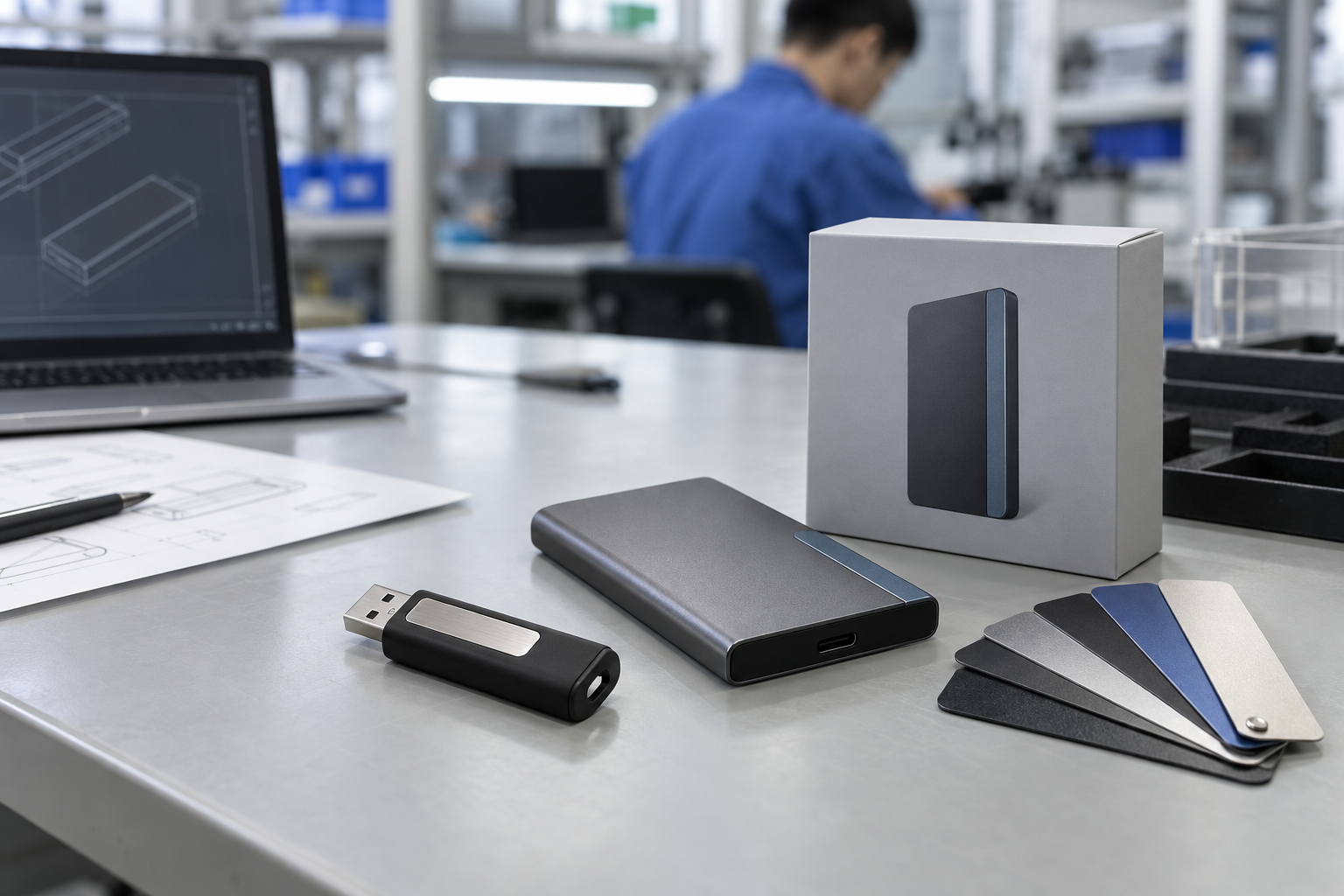
Quick answer: A trade-show USB drive should be planned as a campaign deliverable: choose the connector and capacity around the recipient devices and content, approve a physical branded and preloaded sample, then inspect the final packs against the approved artwork, manifest, and event delivery plan.
Introduction
Custom USB drives can give an event team a tangible way to hand over a product catalog, presentation, training library, or post-show resource. The product succeeds only if visitors can use it and the campaign files are correct. A bright design or low unit price does not compensate for a connector that does not fit the audience, a missing product file, or packaging that arrives without a clear event allocation.
This guide covers custom usb drives for trade shows, trade show usb drives, branded usb drives bulk, preloaded usb drives bulk, custom usb flash drive supplier, and usb promotional products. It gives B2B event and marketing teams a repeatable sourcing sequence.
1. Start With Audience and Campaign Purpose
Identify the recipient: prospects, channel partners, technical visitors, media, or a pre-booked account group. Record the likely host devices, content type, expected event quantity, regional delivery point, and handout method. A current USB-C audience may suit a USB-C or dual-interface product; a mixed visitor group may require USB-A access as well. Test a proposed sample with representative systems rather than assuming connector shape solves every compatibility question.
The content purpose drives capacity. A PDF brochure may need a different allocation from a video library or installer package. Decide whether visitors receive a reusable storage gift or a content-only handout, then calculate approved files and sensible remaining space.
2. Control Artwork and Content Independently
Give the supplier vector artwork, intended logo position, packaging preference, and color reference if applicable. Approve a digital proof and a physical sample in normal light. Check logo contrast, finish, print position, cap or swivel function, and how the item looks in the final individual pack.
Content needs its own approval gate. Assign a campaign owner, freeze a dated master folder, and create a short manifest with the expected folder structure and total size. A completed sample should carry the same files that the visitor will receive. Open key files on representative devices and check whether an insert or “start here” instruction makes the experience clearer.
Mid-article CTA — Need an event-ready USB brief? Send StorFlux your audience device mix, capacity, artwork, final content, pack style, quantity, event date, and destination. Send Your Requirements.
3. Plan Timing Backward From the Event
Work backward from the receiving deadline. Allow time for product selection, artwork proof, physical sample approval, content freeze, finished-pack check, shipment inspection, and delivery to the event location. Tell the supplier which deadline is fixed and which dates are estimates. If packs need to be divided by booth, country, or event day, include that allocation in the RFQ and carton-marking plan.
A simple approval record helps: RFQ, configuration recap, artwork proof, physical-sample reference, content manifest, packaging reference, and release checklist. It prevents the familiar event problem in which several teams believe different versions are final.
4. Factory Testing and Shipment Inspection
Agree the checks before the bulk order. They may include appearance, connector function, storage recognition, selected preload verification, logo, label, individual pack, insert, carton marks, and count. For branded usb drives bulk, inspect the finished pack against the approved sample—not just a bare drive.
If campaign files are preloaded, selected finished units should be checked against the approved manifest. A unit that mounts but carries an outdated catalog is not a successful campaign item. StorFlux’s Quality page and USB preload guide explain how project-specific testing and content verification can be incorporated into a release plan.
FAQ
What should I include in a trade-show USB drive RFQ?
Include audience devices, interface need, content size, capacity, shell, artwork, packaging, preload, quantity, event destination, deadline, sample approval, and inspection requirements.
Can trade-show USB drives be preloaded with product information?
Yes. Use a nominated content owner, dated master files, a manifest, completed sample approval, and selected shipment verification against the approved structure.
Should I choose USB-A, USB-C, or dual interface?
Choose from the actual recipient devices. Test the proposed product on representative systems; a dual-interface drive can be useful for a mixed audience.
Conclusion
The best trade-show USB program connects a relevant branded object with a controlled content and delivery process. Map the audience, approve artwork and completed files separately, work backward from the event date, and inspect final packs against the release reference.
Final CTA — Build a campaign USB drive your visitors can use. Get a Quote or explore StorFlux OEM & ODM support.
Sources and related StorFlux pages
Discuss your storage requirement
Send StorFlux the intended use, capacity, platform or device list, branding direction, quantity, and delivery target. We will help you convert it into a sample-ready B2B brief.
Get a Quote